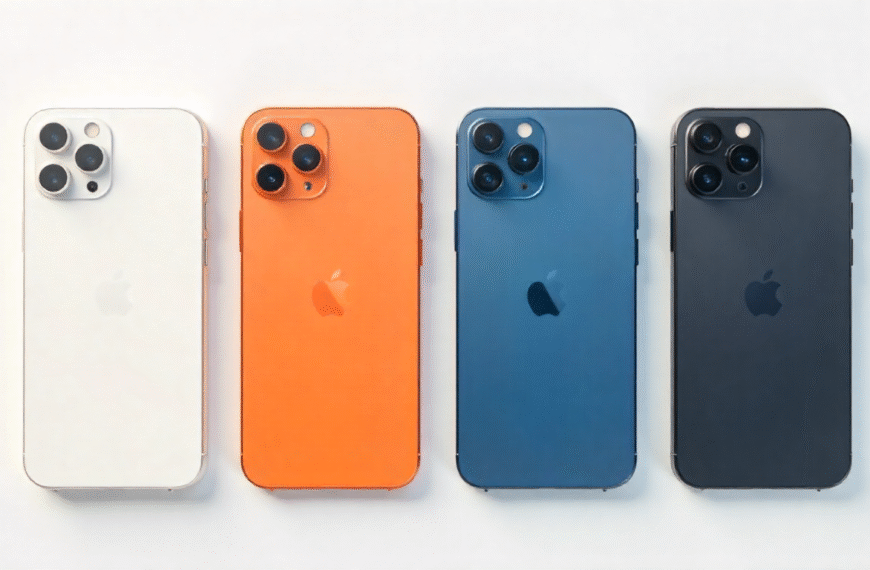

With iOS 26, Apple has overhauled the Phone app to deliver smarter call management, powerful anti-spam tools and productivity-boosting utilities. Whether you’re tired of robocalls, juggling international conversations or simply want a cleaner call log, these 12 new additions will transform the way you communicate. Here’s an in-depth look at each feature—complete with official links for further details.

1. Unified Call Log for Faster Access
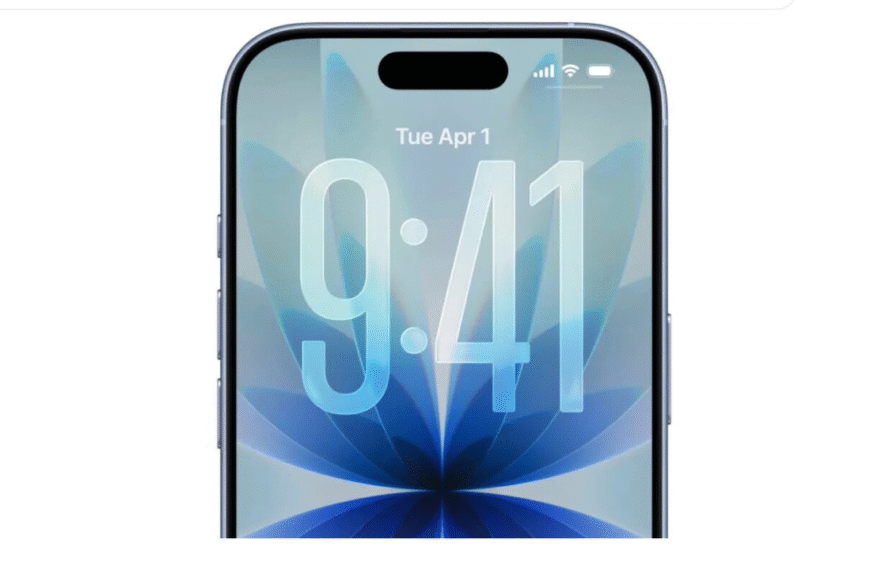
Rather than toggling between separate tabs, iOS 26’s Unified Design consolidates Recent Calls, Missed Calls and Voicemails into one scrollable view. Favorite contacts remain pinned at the top, while a single tap in the upper-right toggles back to the classic iOS 18 layout if you prefer the old-school split tabs. Learn more on Apple’s preview page: iOS 26 Preview.
2. Smart Call Screening: Ask for Reason
Going beyond “Silence Unknown Callers,” you can now Ask Reason for Calling. When an unsaved number dials you, iOS 26 intercepts the call and prompts the caller—via an automated message—to state their name and purpose. Their response is transcribed in real time, letting you decide whether to answer, decline or request more details. Activate it under Settings → Phone → Ask Reason for Calling. For setup instructions, see Apple’s support article: Use Call Screening on iPhone.
3. Silence Unknown Callers (Still There!)
Prefer the classic “silent treatment”? The Silence Unknown Callers toggle lives on in iOS 26. Unsaved numbers are sent straight to voicemail; you’ll still see missed-call entries and can review any messages later. Combine this with the “Never” option under Screen Unknown Callers to let all calls ring through and manually filter them. Apple details this feature here: Silence Unknown Callers.
4. Advanced Call Filtering & Spam Lists
Gone are the days of manual sorting. iOS 26 introduces Call Filtering, which automatically migrates missed calls or voicemails from unsaved numbers into an Unknown Callers list. Turn on carrier-based spam filtering to route notorious robocallers directly to voicemail and a dedicated Spam folder. Check both lists anytime via the three-line icon at the top of the Phone app. For carrier-specific details, consult your provider (e.g., Verizon Spam Controls).
5. One-Tap Spam Reporting for Voicemails
Dealing with spam voicemails? Tap Report Spam when reviewing a message from an unknown number. Choose to retain or delete the message—and inform Apple’s database—without immediately blocking the caller. To block, open the contact card (“i” button), scroll down and select Block Contact. See how it works: Report Spam Voicemails.
6. Hold Assist: Never Miss Out
On-hold calls can be a productivity sink. iOS 26’s Hold Assist listens for hold music (or detects long silences) and alerts you precisely when a human agent returns. While on a call, tap the “…” button to enable Hold Assist; your phone will ring when it’s time to jump back in. Note: voice-driven queues may be misinterpreted, but you’ll still see a live transcript to confirm when to rejoin.
7. Live Translation: Break Language Barriers
International callers? No problem. Live Translation turns your iPhone into a real-time interpreter supporting English, French, German, Portuguese and Spanish. During a call, tap “…” → Live Translation, select source and target languages, and watch an on-screen transcript while an AI-powered voice reads translations aloud. The other party doesn’t need an iPhone or even a smartphone to participate. For an overview, visit Apple Newsroom: iOS 26.
8. Comprehensive Call History by Contact
Say goodbye to limited call logs. iOS 26 lets you view Call History for any contact—stretching back years. Tap the “i” next to their name, select Call History, and browse every incoming, outgoing and missed interaction. It’s invaluable for tracking follow-ups, invoices or simply keeping tabs on long-term conversations.
9. Type to Siri During Calls
Need to set a reminder or look up an address while talking? Now you can Type to Siri mid-call. Access Siri by typing your request instead of speaking, ensuring privacy in public spaces or noisy environments. Whether it’s “Add milk to my grocery list” or “What’s the weather this afternoon?”, you’ll stay focused on the conversation.
10. SharePlay & Screen Sharing Built In
Collaboration just got easier with SharePlay and Screen Sharing inside the Phone app. Invite another iOS 26, iPadOS 26 or macOS Tahoe user to watch Apple TV, listen to music or view your screen. Ideal for remote tech support or co-watching videos, these tools require Wi-Fi Calling and the same Apple ID ecosystem across devices.
11. Streamlined eSIM Transfers
Switching between iPhone and Android? The eSIM Improvements in iOS 26 simplify cross-platform transfers. In Settings → Cellular, choose Transfer to Android for your current line or Transfer from Android when adding a new eSIM to your iPhone. No more QR codes or carrier apps—just follow the on-screen prompts. For carrier guidance, check out GSMA eSIM Specifications.
12. Phone App on iPad & Mac
Finally, Apple has expanded the Phone app beyond the iPhone. On iPadOS 26 and macOS Tahoe, you’ll enjoy the same call-screening, Hold Assist and Live Translation features—provided your iPhone is signed in with the same Apple ID and Wi-Fi Calling is active. Seamless handoff means you can answer business calls on your Mac without interrupting your workflow.
Conclusion
With these enhancements, the iOS 26 Phone app is no longer an afterthought—it’s a versatile communication hub. From next-level spam defense to real-time translation and cross-device support, these 12 features will help you control your calls, collaborate more efficiently and keep your digital life organized. Upgrade today and discover why the iPhone’s dialer just got a serious productivity boost.

 By
By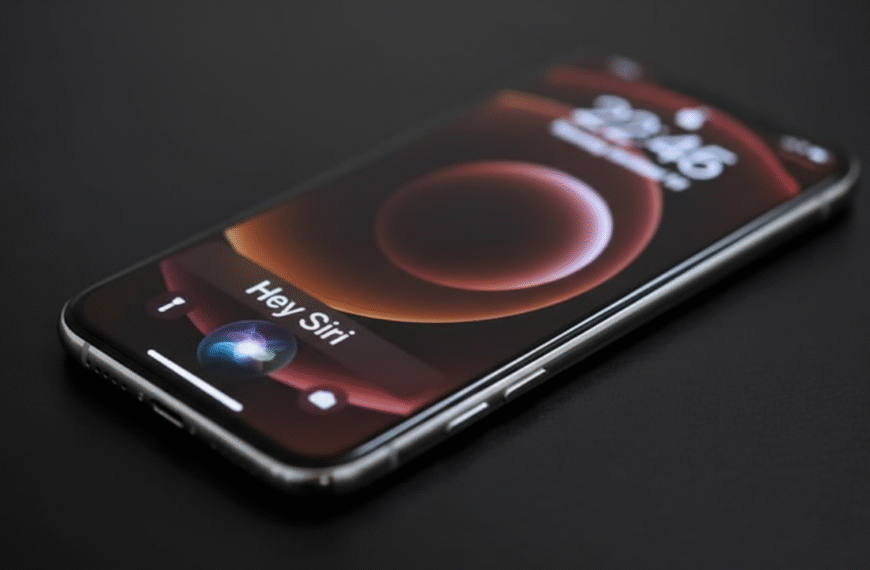


 Εγγραφ στο Binance US says:
  b^onus de registro na binance says: